Sketch, onBack
Index,Work,LinkedIn
Get in touchCopy email?Email copied
0%

Selected work, 2021–2026.

Hover an entry to preview it. Select it to open the case study.

Tap any entry to open its case study.

  • ID
  • Title
  • Focus
  • Year
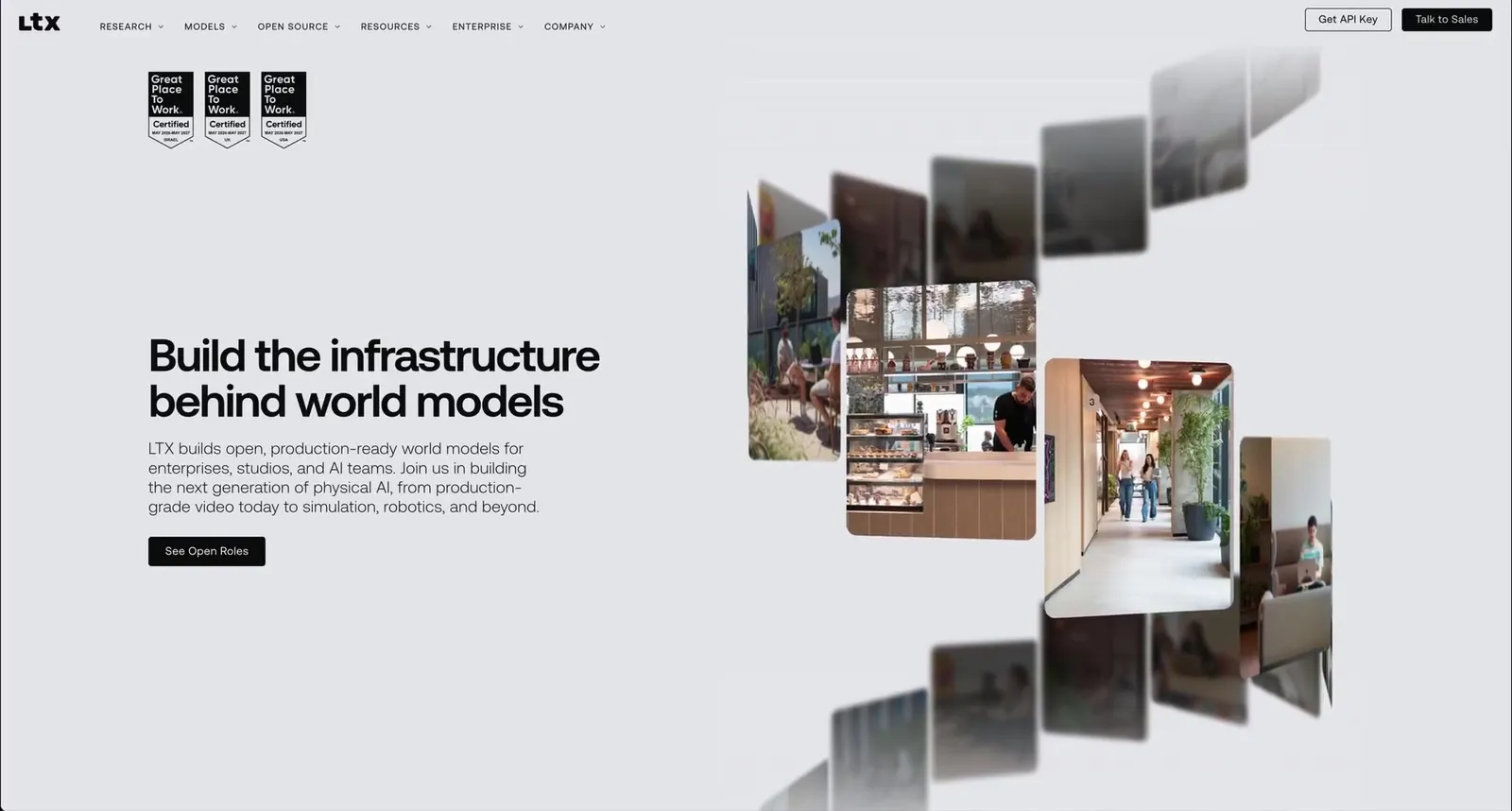
  • LTX_01LTX Careers, 3D image cardsWeb Design2026View case study
    LTX careers page hero with floating 3D image cards
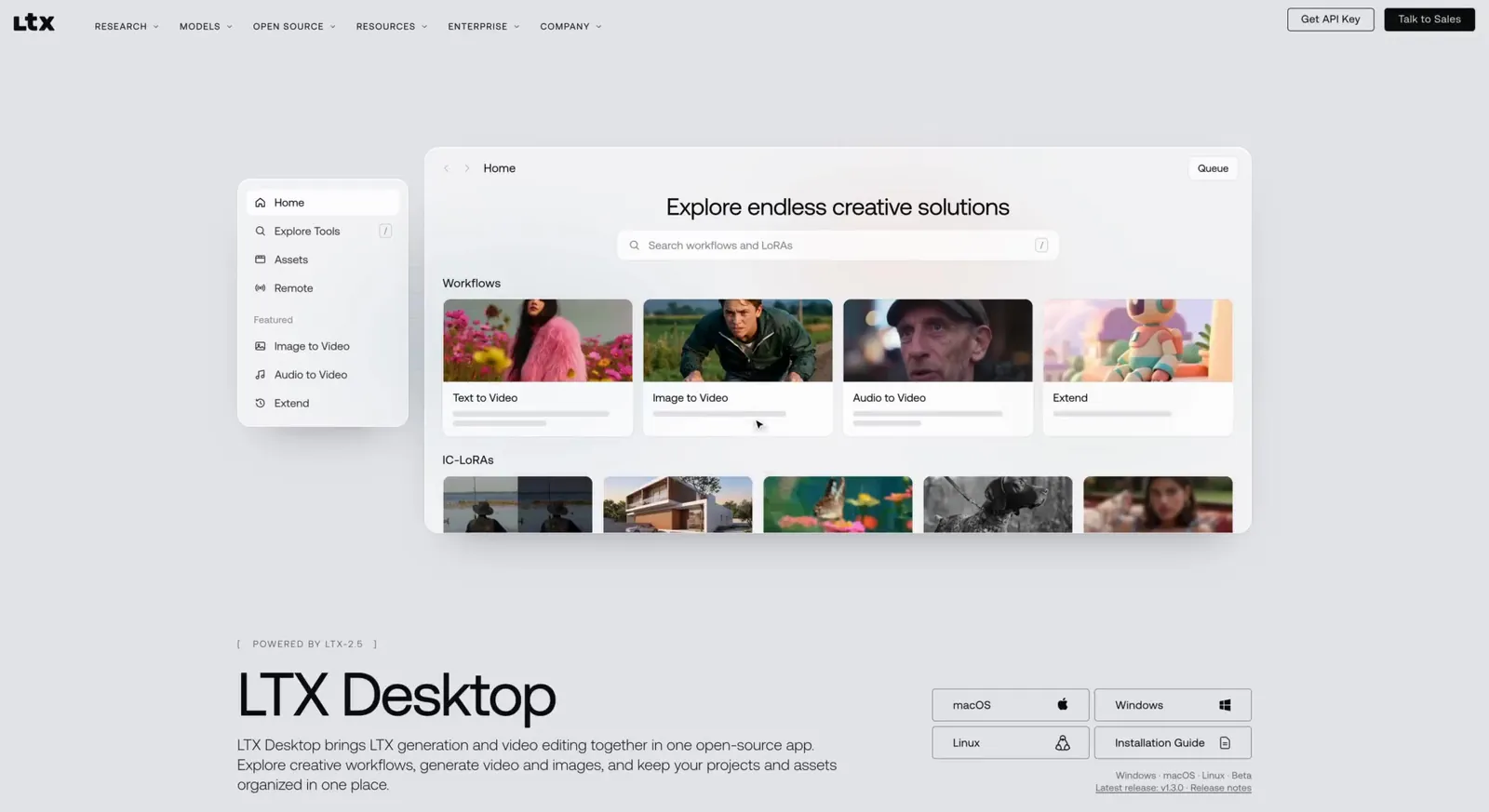
  • LTX_02LTX Desktop app, light modeWeb Design2026View case study
    LTX Desktop product page in light mode, showing the app generating a video from an image
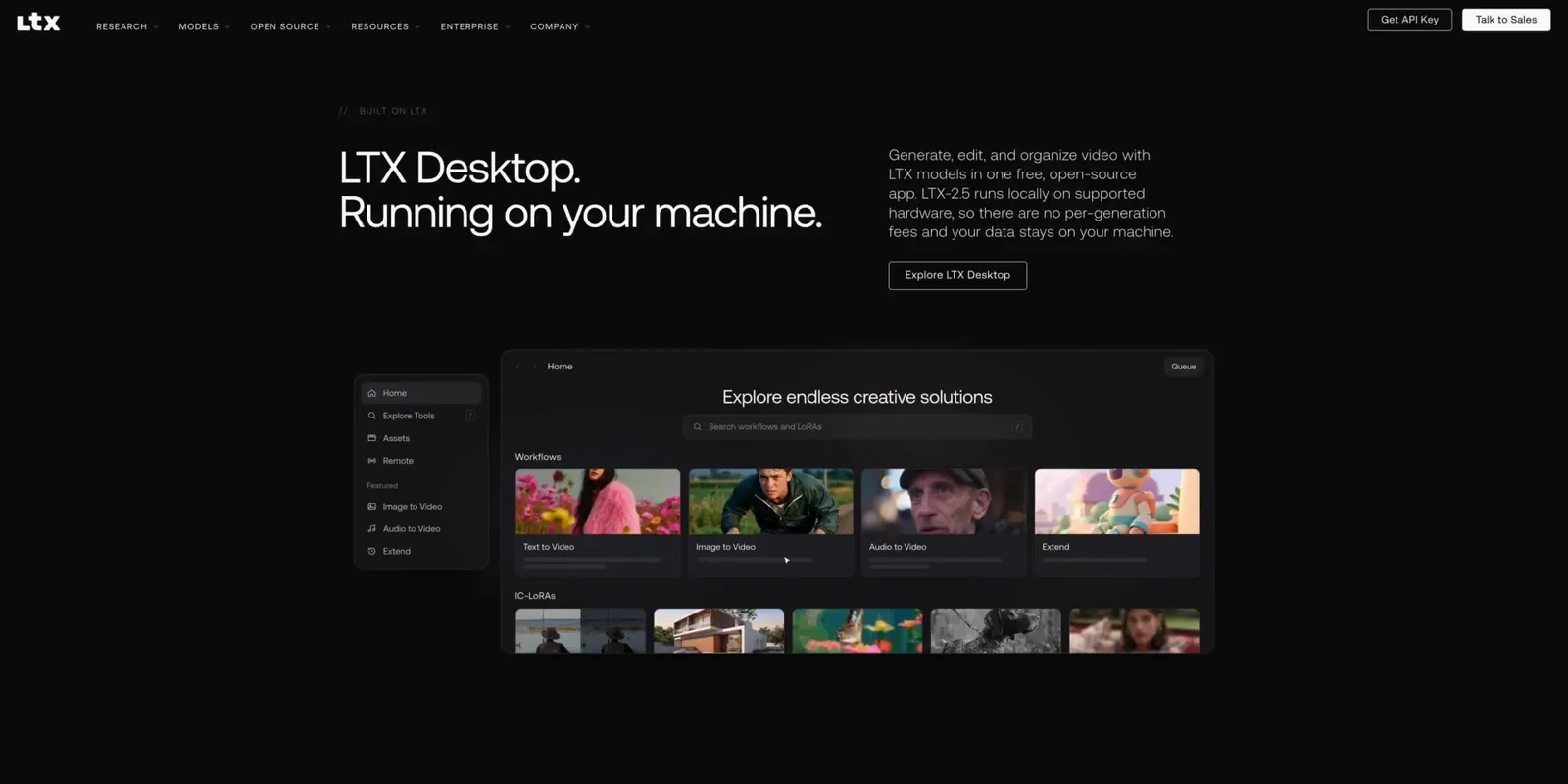
  • LTX_03LTX Desktop app, dark modeWeb Design2026View case study
    LTX Desktop product page in dark mode
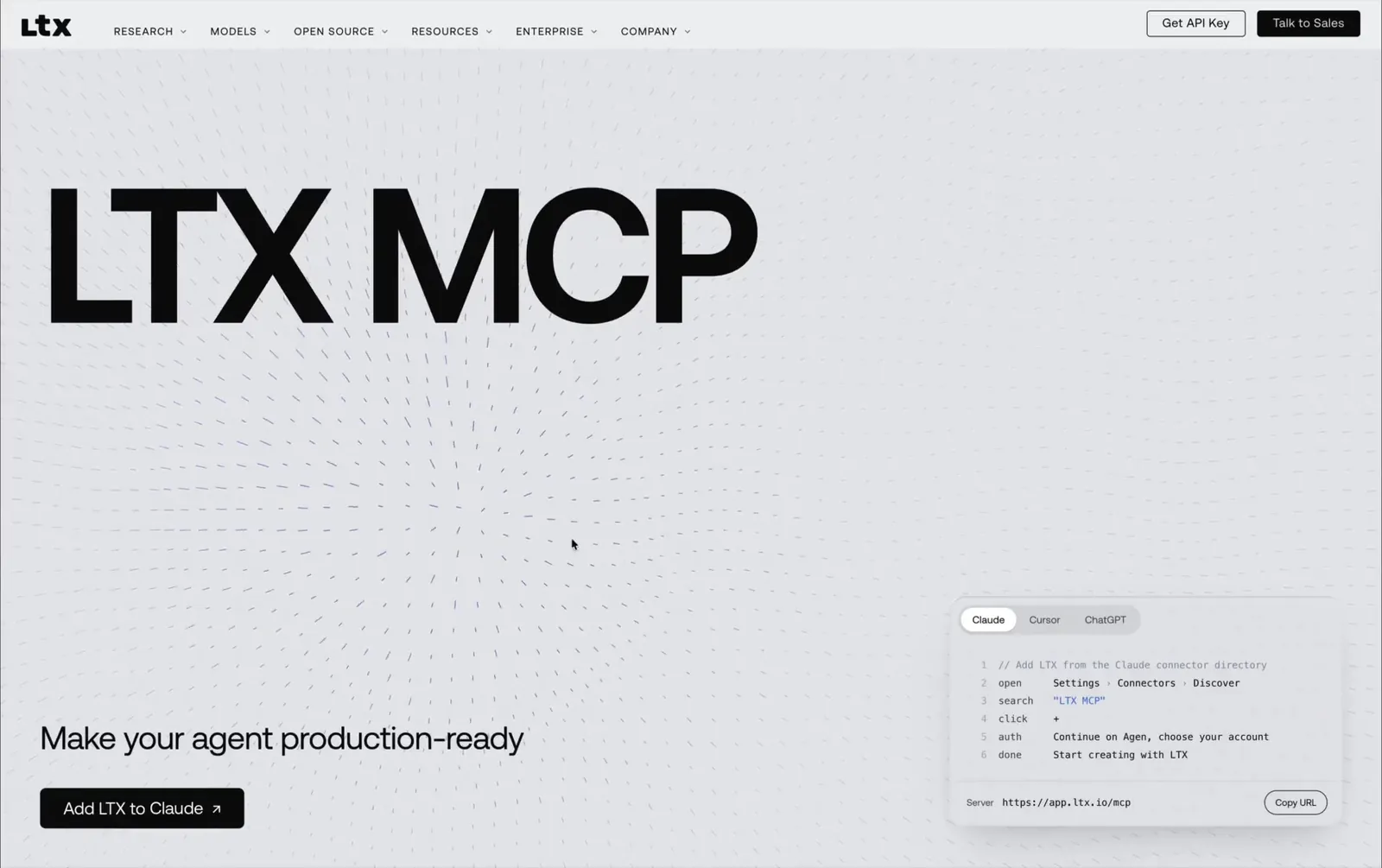
  • LTX_04LTX MCP pageWeb Design2026View case study
    LTX MCP landing page with install steps for Claude, Cursor and ChatGPT
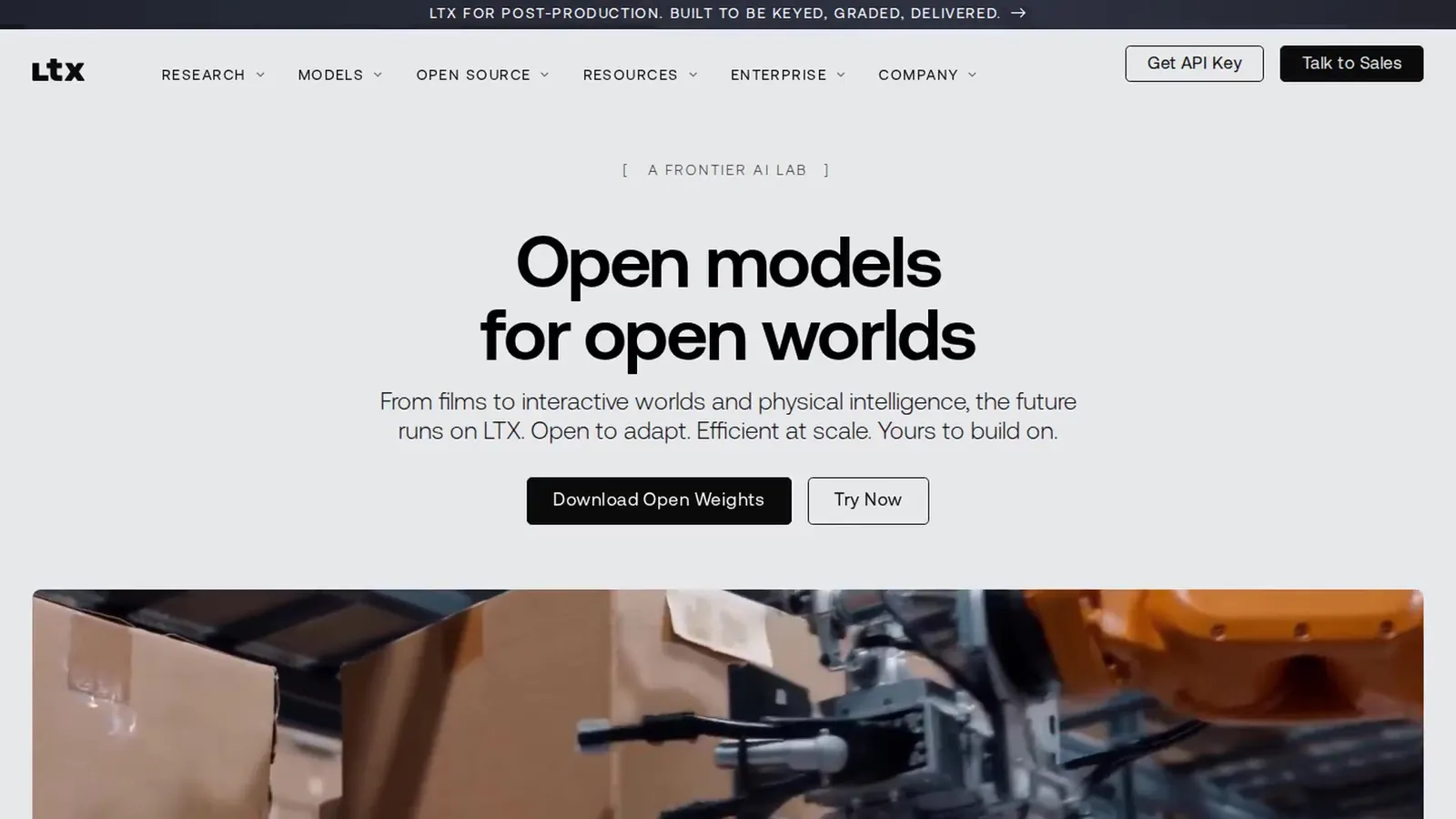
  • LTX_05LTX HomepageWeb Design2026View case study
    ltx.io homepage hero: Open models for open worlds
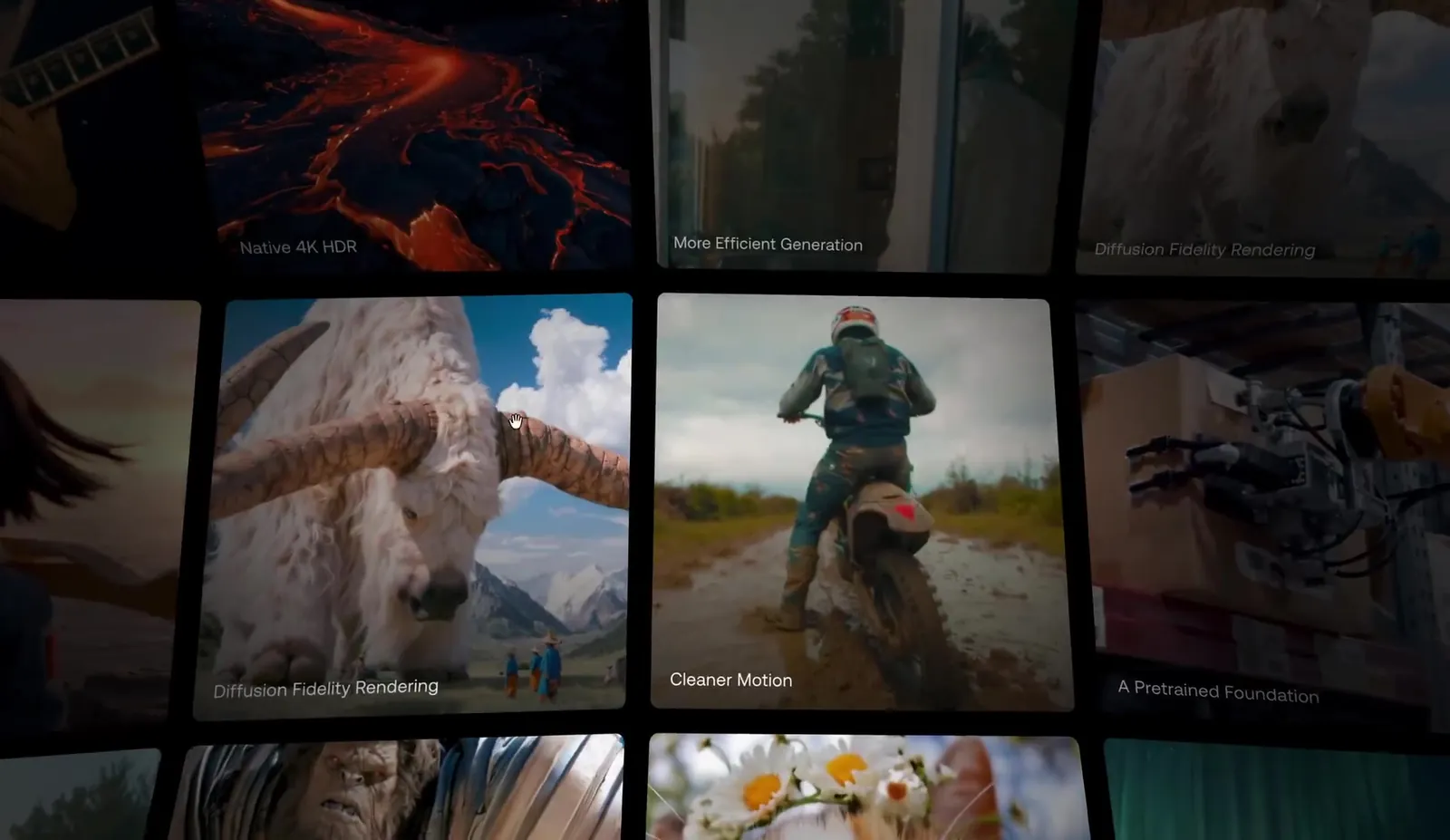
  • LTX_06LTX Infinite dome gridInteraction2026View case study
    Infinite dome grid of videos generated with LTX
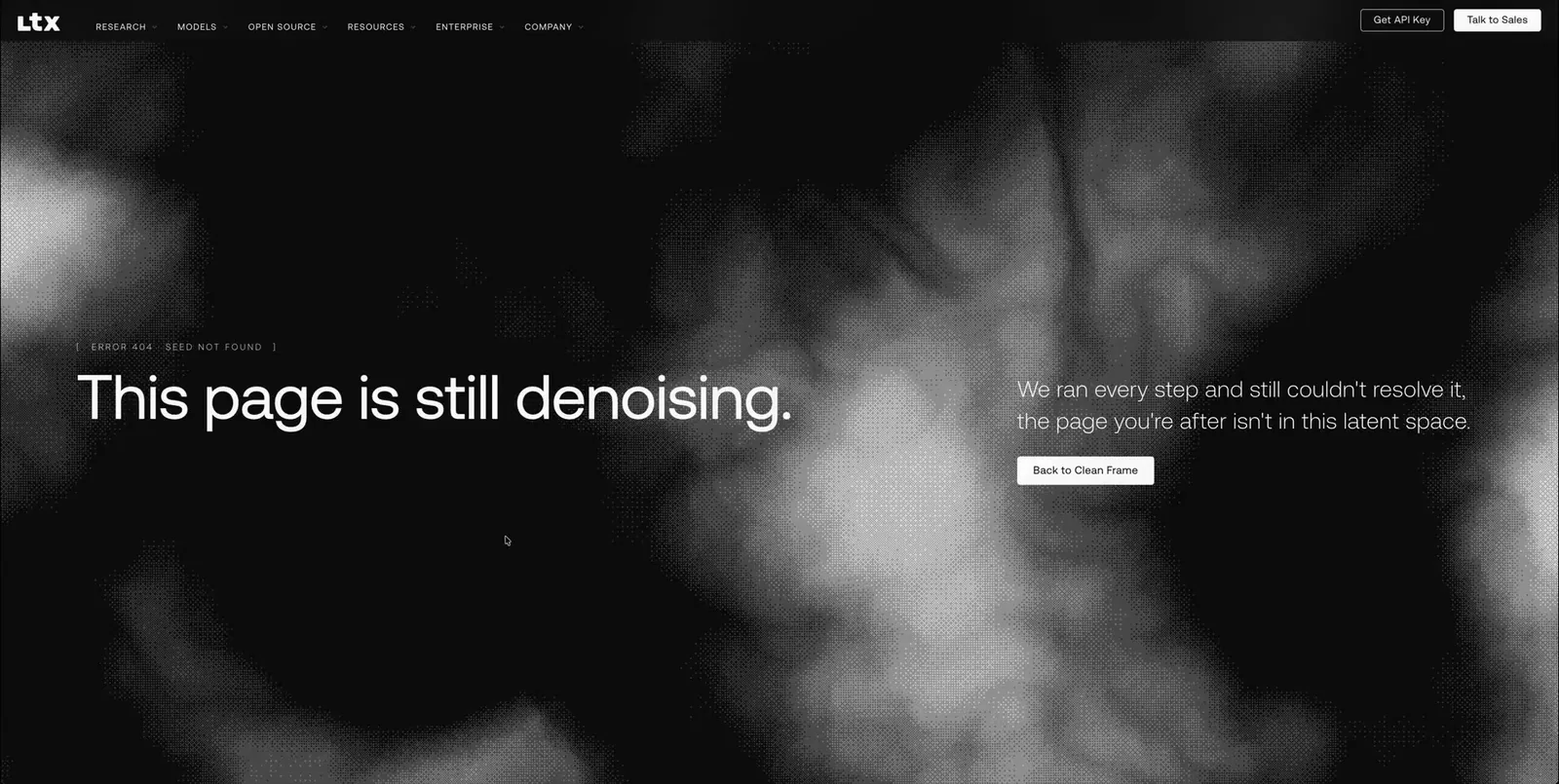
  • LTX_07LTX 404 pageInteraction2026View case study
    The ltx.io 404 page: This page is still denoising
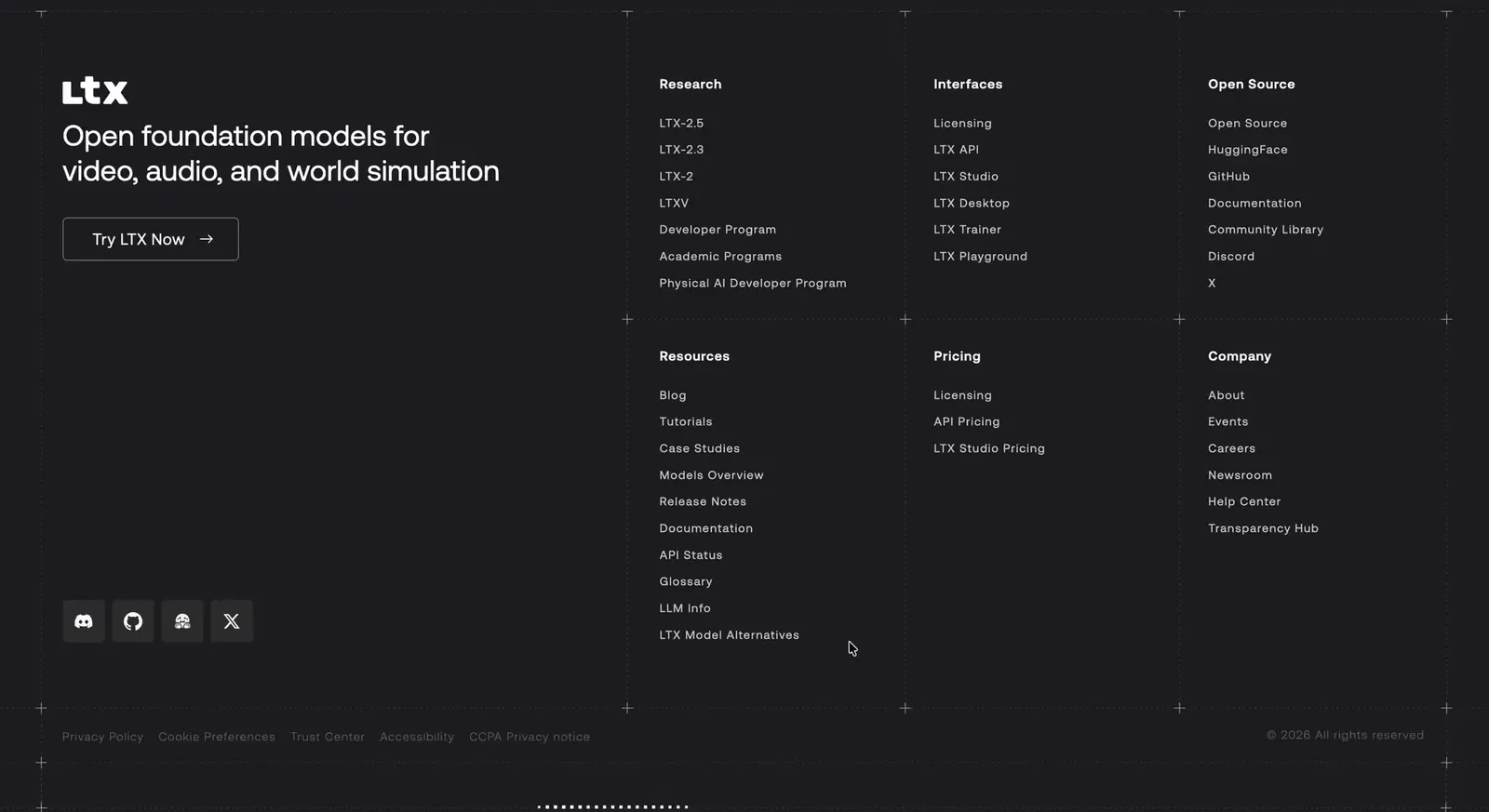
  • LTX_08LTX Halftone footerInteraction2026View case study
    Interactive halftone LTX wordmark in the ltx.io footer
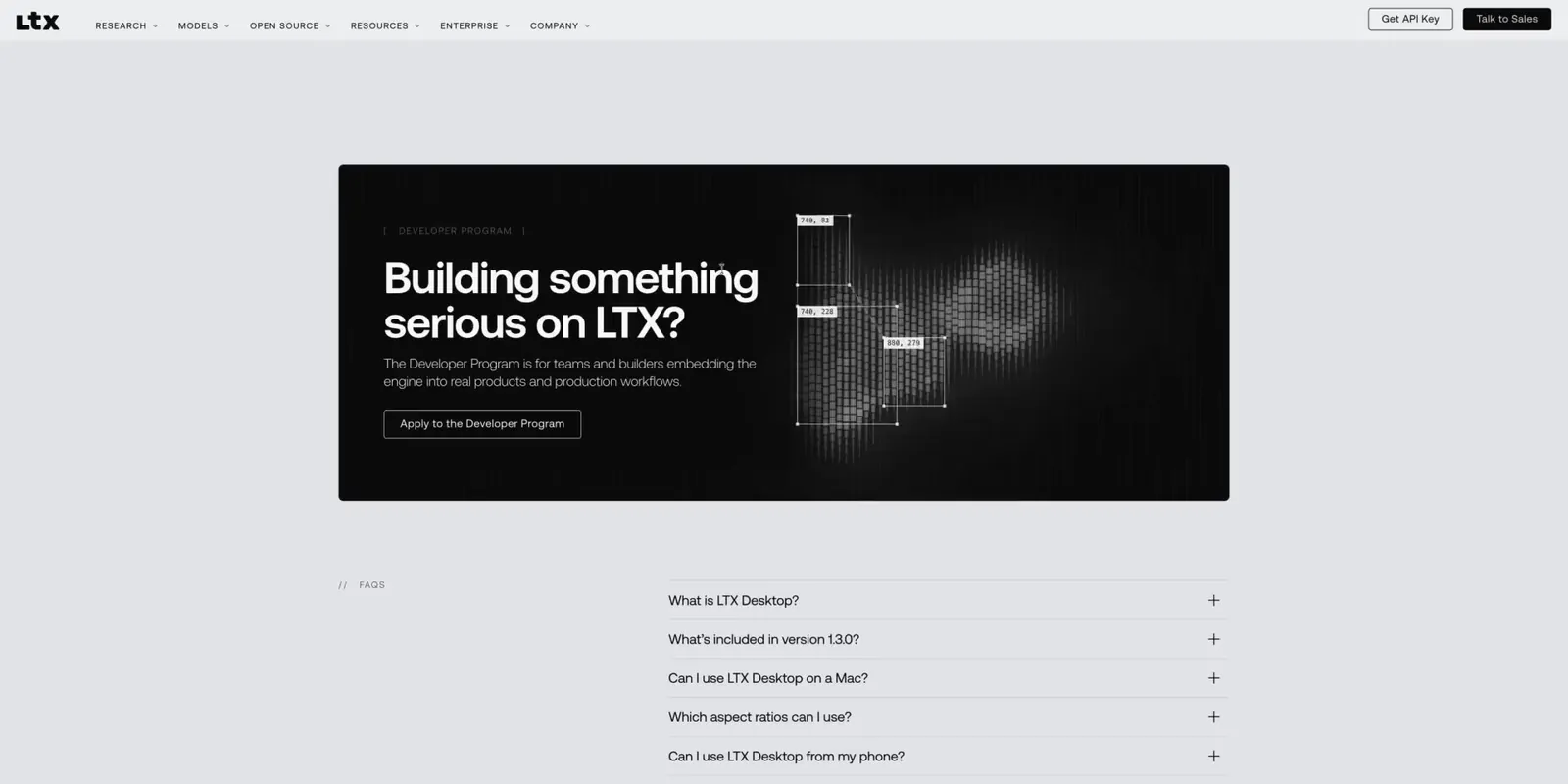
  • LTX_09LTX Developer Program heroInteraction2026View case study
    LTX Developer Program hero with a cursor-tracking scanline effect
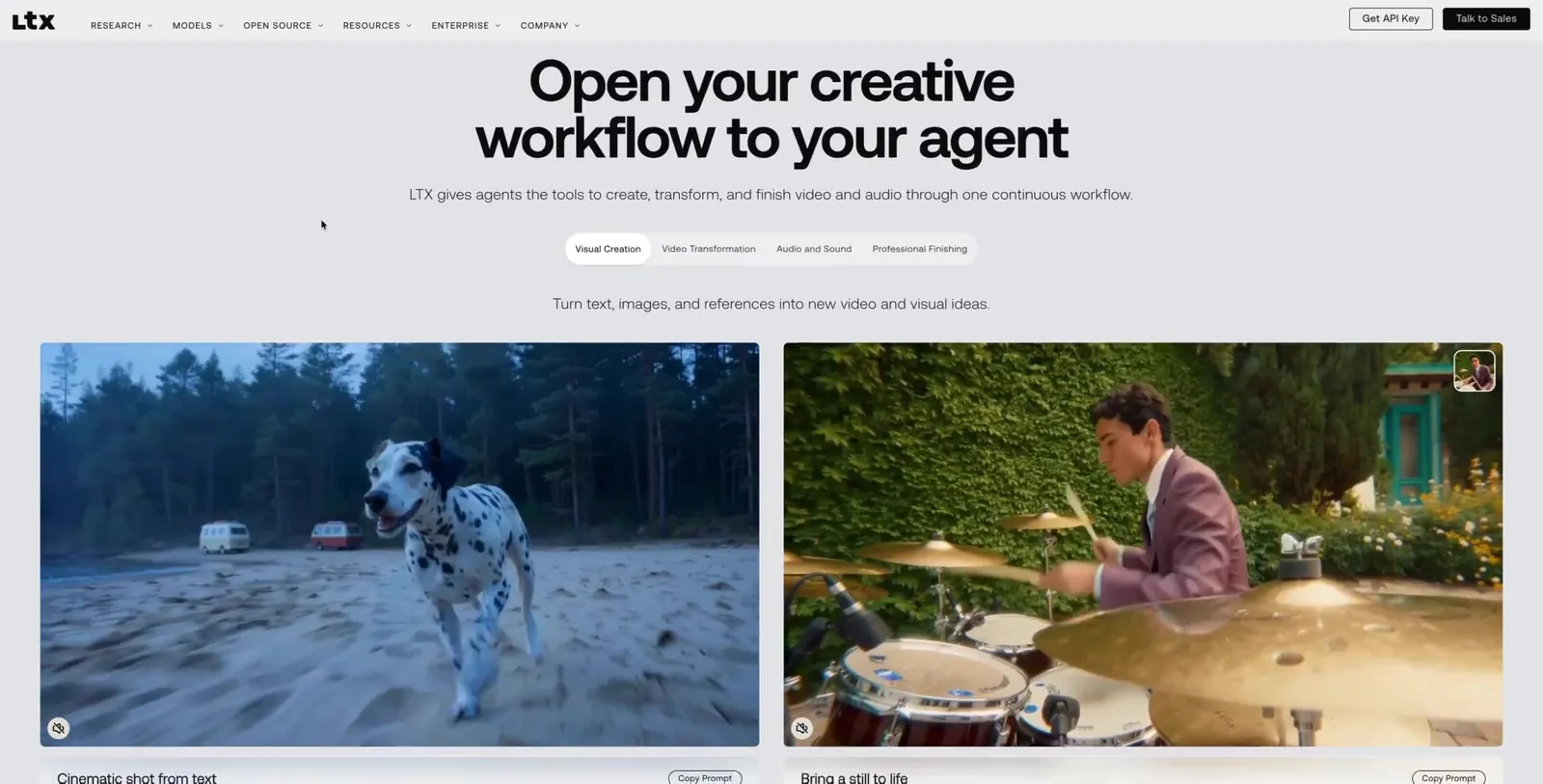
  • LTX_10LTX Prompt cardsComponents2026View case study
    Prompt cards on glass over videos generated with LTX
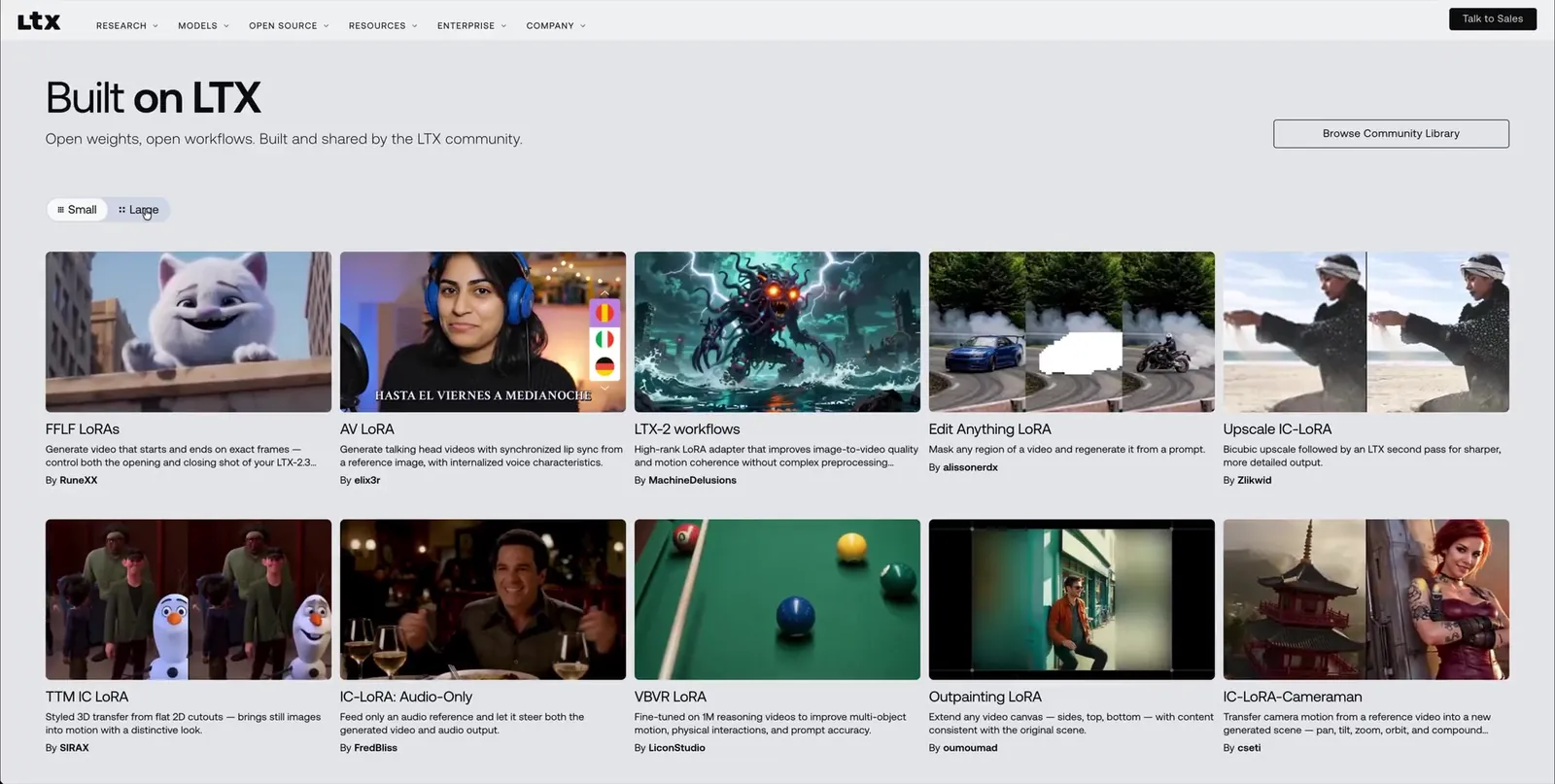
  • LTX_11LTX Built on LTXComponents2026View case study
    Built on LTX: a showcase grid of community projects
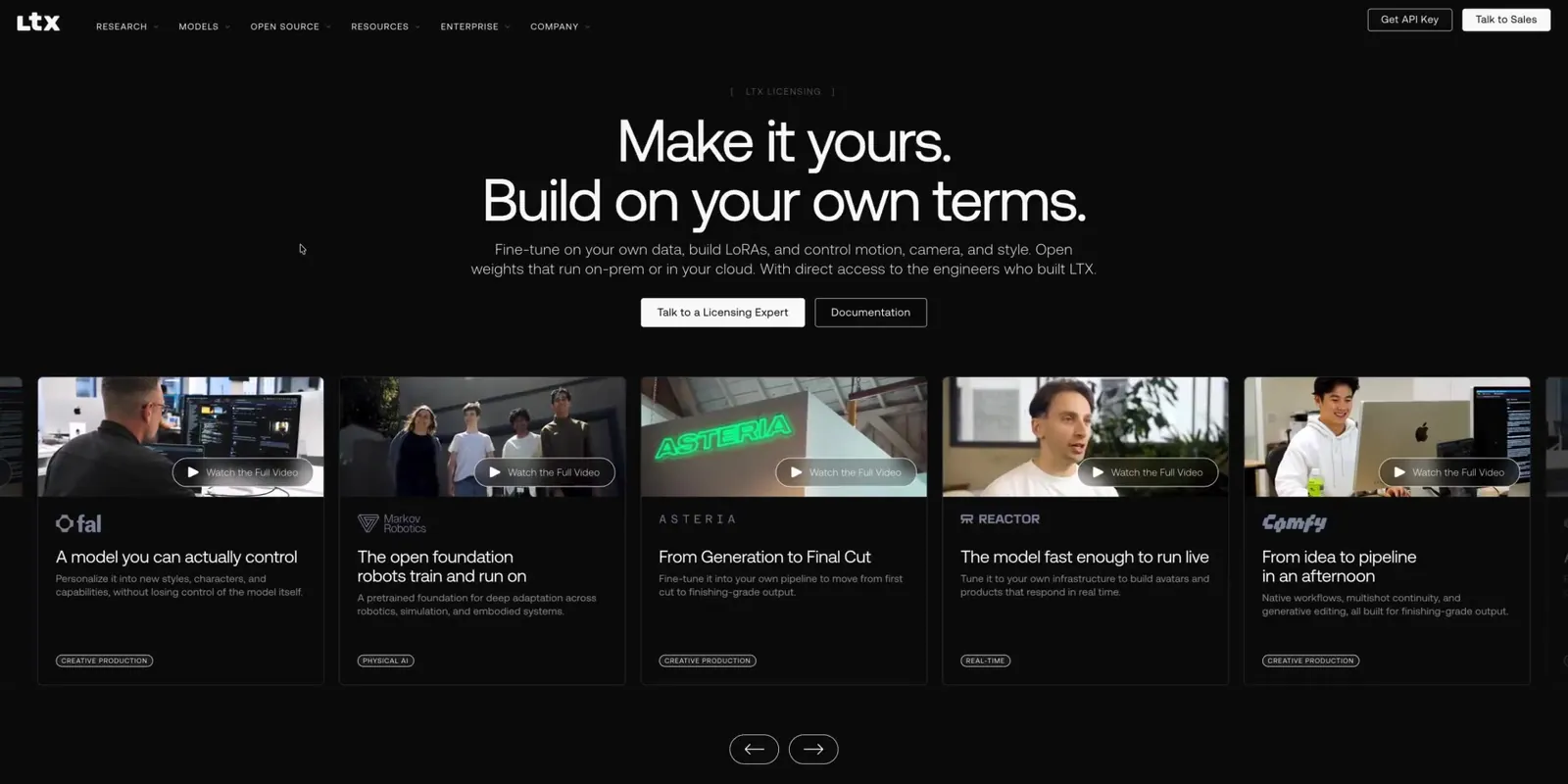
  • LTX_12LTX Video storiesComponents2026View case study
    Customer video stories on ltx.io opening in a modal player
  • OPS_01OpenOps Homepage, light modeWeb Design2025–26View case study
    OpenOps homepage featuring header with navigation and buttons, headline reading 'Reimagining Cloud Automation Cultivating Collaboration', and screenshots of FinOps opportunity and workflow automation interfaces.
  • OPS_02OpenOps Choose sectionWeb Design2025–26View case study
    Diagram titled 'What If You Didn’t Have to Choose?' showing four customizable options for automation, remediation, and governance: Pre-packaged workflows, Operations & Monitoring, No-code customizability, and Avoid vendor lock.
  • OPS_03OpenOps Security sectionWeb Design2025–26View case study
    Secure by Design text with OpenOps security features and compliance badges including ISO 27001, SOC 2, and EU GDPR.
  • OPS_04OpenOps Homepage, dark modeDark Mode2025–26View case study
    OpenOps homepage header showing navigation links, a headline 'Reimagining Cloud Automation Cultivating Collaboration', and a glowing green 'Get Started' button above a workflow diagram with cloud service icons.
  • OPS_05OpenOps FinOps trade-offsDark Mode2025–26View case study
    Dashboard titled FinOps Today showing trade-offs between buying an off-the-shelf tool and building a homegrown solution, with sliders favoring quick start, easy maintenance, and scalability for buying.
  • OPS_06OpenOps Integrations sectionDark Mode2025–26View case study
    Interface showing 'Limitless Integration for Powerful Automations' with multiple technology and cloud service icons organized under categories like Public Cloud, DevOps, Analytics, and more.
  • ADR_01Addressable HeroWeb Design2022–26View case study
    Addressable Hero Section
  • ADR_02Addressable Product sectionWeb Design2022–26View case study
    Addressable section
  • ADR_03Addressable TestimonialsWeb Design2022–26View case study
    Addressable testimonials
  • ADR_04Addressable PricingWeb Design2022–26View case study
    Addressable pricing section
  • ADR_05Addressable Launch campaignVisuals2022–26View case study
  • ADR_06Addressable Build audienceVisuals2022–26View case study
  • ADR_07Addressable Identify usersVisuals2022–26View case study
  • ADR_08Addressable Campaign setupVisuals2022–26View case study
  • ADR_09Addressable Track growthVisuals2022–26View case study
  • HXG_01Hexagate Homepage heroWeb Design2023–25View case study
    Hexagate Hero Section
  • HXG_02Hexagate Icon setVisuals2023–25View case study
    Hexagate icons
  • HYN_01Hypernative HomepageWeb Design2022–24View case study
    Hypernative Hero Section
  • HYN_02Hypernative BlogWeb Design2022–24View case study
    Hypernative Blog
  • HYN_03Hypernative ProtocolsVisuals2022–24View case study
  • HYN_04Hypernative Asset managersVisuals2022–24View case study
  • HYN_05Hypernative Add protocolsVisuals2022–24View case study
  • HYN_06Hypernative React and preventVisuals2022–24View case study
  • HYN_07Hypernative IllustrationVisuals2022–24View case study
    Hypernative Illustration
  • KLP_01Kalpi Demo videoDemo Video2021View case study
    Kalpi demo video still
  • KLP_02Kalpi Voting screenApp Design2021View case study
    Kalpi voting screen
  • KLP_03Kalpi Share screenApp Design2021View case study
    Kalpi share screen
  • KLP_04Kalpi Party listsApp Design2021View case study
    Kalpi parties lists
  • KLP_05Kalpi Parties screenApp Design2021View case study
    Kalpi parties screen
  • KLP_06Kalpi Party member screenApp Design2021View case study
    Kalpi party member screen
  • KLP_07Kalpi App screenApp Design2021View case study
    Kalpi screen
  • KLP_08Kalpi Voting percentageApp Design2021View case study
    Kalpi voting percentage
  • KLP_09Kalpi Screens overviewApp Design2021View case study
    Kalpi screens
  • KLP_10Kalpi App iconApp Icon2021View case study
    Kalpi App Icon
  • HYP_01Hype LogoLogo Design2021View case study
    Hype Festival Logo
  • HYP_02Hype PostersAdvertisement2021View case study
    Hype Festival posters
  • HYP_03Hype TicketsEntrance2021View case study
    Hype Festival Tickets
  • HYP_04Hype BraceletEntrance2021View case study
    Hype Festival Bracelet
  • HYP_05Hype HoodieMerchandise2021View case study
    Hype Festival hoodie
  • HYP_06Hype MerchandiseMerchandise2021View case study
    Hype Festival merchandise
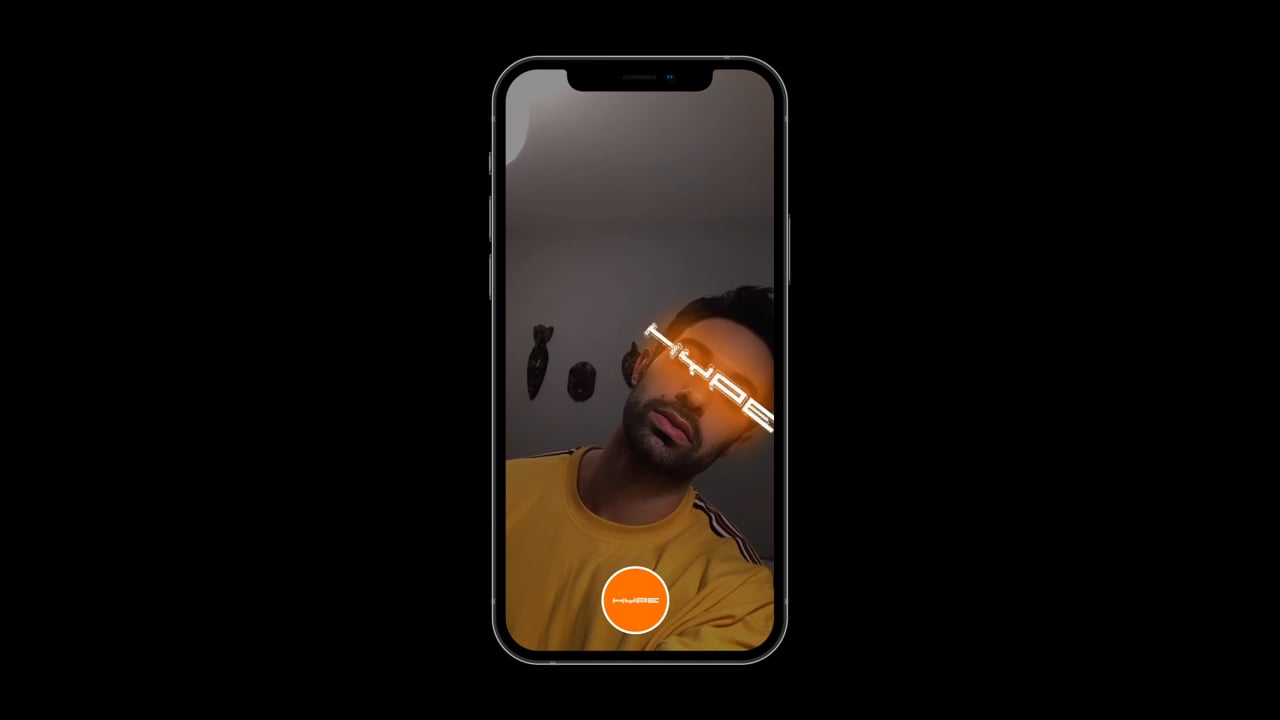
  • HYP_07Hype Instagram filterInstagram Filter2021View case study
    Hype instagram filter still